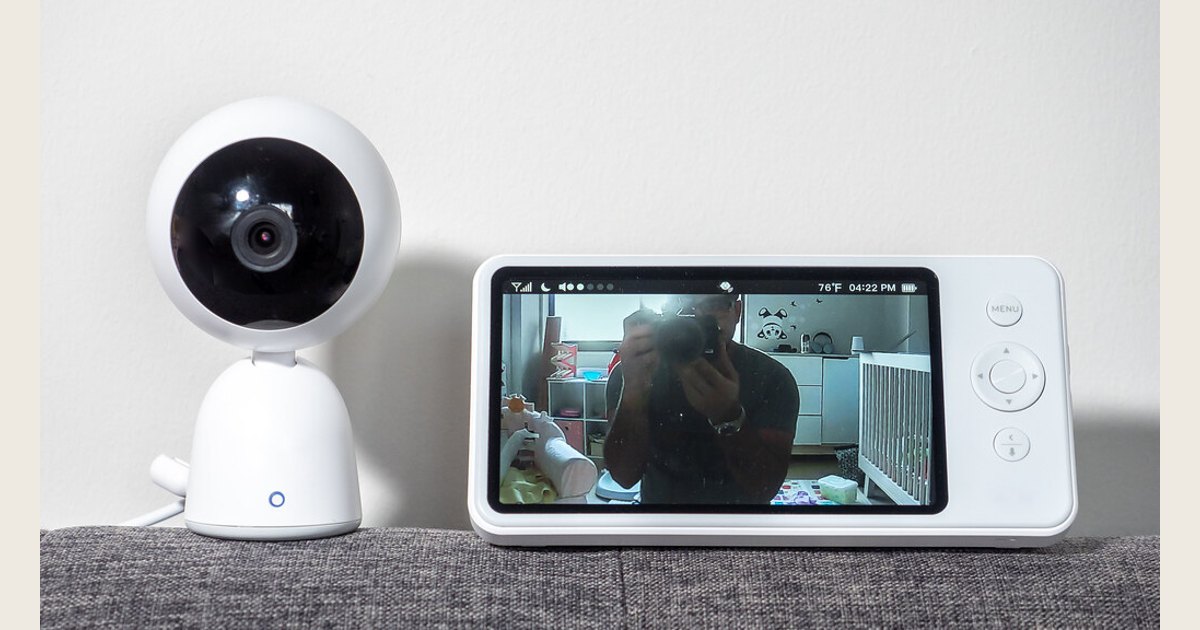
Choose the overnight behavior you want, check the exact model’s instructions, and test the setup before relying on a baby monitor for sleeping. Labels such as VOX, ECO, sensitivity, and screen sleep do not tell you what a particular model does. A monitor is for listening or viewing—not a substitute for safe-sleep practices or medical care.
Cover photo: “Baby Monitor” by ajay_suresh, via Openverse, CC BY 2.0. Resized and padded. Illustrative stock photo; no product testing is implied.
Key Takeaways
- Do not infer what VOX, ECO, or screen sleep does from its name; check the exact model’s manual.
- Treat sound detection, audio playback, display behavior, alerts, and speaker volume as separate questions to verify.
- Test the documented behavior from your usual overnight location before relying on it.
- A monitor is for listening or viewing, not a substitute for safe-sleep practices or medical care.
Compare the overnight controls
A feature name does not tell you how a device behaves. Use the exact model’s manual before purchase or setup, and ask the manufacturer if an important function is unclear.
| Check | Question to answer | Why it matters |
|---|---|---|
| VOX / sound activation | Does sound wake the display, trigger an alert, start audio transmission, or something else? | Clarify whether the mode affects what you see, hear, or both. |
| Sensitivity | Is the trigger adjustable, and what do the levels mean? | Settings and labels are device-specific. |
| Screen sleep | What happens to audio and alerts when the display is dark? | A dark screen alone does not confirm continued audio. |
| Connection and power | What warnings indicate a lost link or low power? | Do not assume the connection remains active. |
| App, if applicable | What happens if the app is backgrounded, the phone muted, or internet lost? | Confirm the exact setup instead of assuming phone alerts act like a dedicated receiver. |
Choose by documented behavior, not by a feature name. Check that the functions you rely on are explained clearly before buying or using the monitor.
Read a test result narrowly
Suppose your model’s manual says a particular sound should wake the display, and the display does wake. That verifies a screen response under that test condition; it does not establish that audio still plays through the parent unit when the screen is dark. Nor does a brief test prove that quieter sounds will trigger or that a connection warning will work. Feature labels and responses vary by model, so use the manual’s expected behavior and check each part separately:
| Test | What the result tells you | What it does not establish |
|---|---|---|
| Make a sound with the display on | Whether the documented display response occurs in that position and mode | Whether the parent speaker plays audio with the display asleep, or how quieter sounds behave |
| Repeat with the screen asleep | Whether you can hear audio from the parent unit in that tested setup, if that is your intended mode | Whether every sound will be detected or the connection will remain active all night |
| Check a warning only as the manual instructs | Whether the documented cue appears in that test | That other warnings work or the monitor will never lose its connection |
This is a way to interpret your own model’s test—not a claim that all monitors use VOX, ECO, or screen sleep the same way.
A practical overnight checklist.
After you understand the feature descriptions, match the verified controls to your preference:
- Prefer ongoing sound? Look for a mode the instructions explicitly identify as continuous audio, then check whether its volume is comfortable where you sleep.
- Prefer a dark display? Confirm the manual says what happens to audio and alerts when the screen sleeps; do not infer it from the screen going dark.
- Want fewer sound triggers? Check whether sensitivity is adjustable and what its levels mean, then test the selected setting without assuming it will capture every quiet sound.
- Want to glance at video? Check the display and timeout choices, and consider whether a lit screen would be distracting in your room.
- Considering a phone app? Look for documented instructions for the particular phone and app configuration, including what happens when the app is backgrounded, the phone is muted, or the connection is interrupted. Do not assume phone notifications behave like a dedicated parent unit.
Use these as comparison questions, not promises that every monitor has each feature. For broader feature comparisons, see our video monitor buying guide. If a behavior you consider essential is undocumented, ask the manufacturer before purchase or select a device whose instructions are clear.
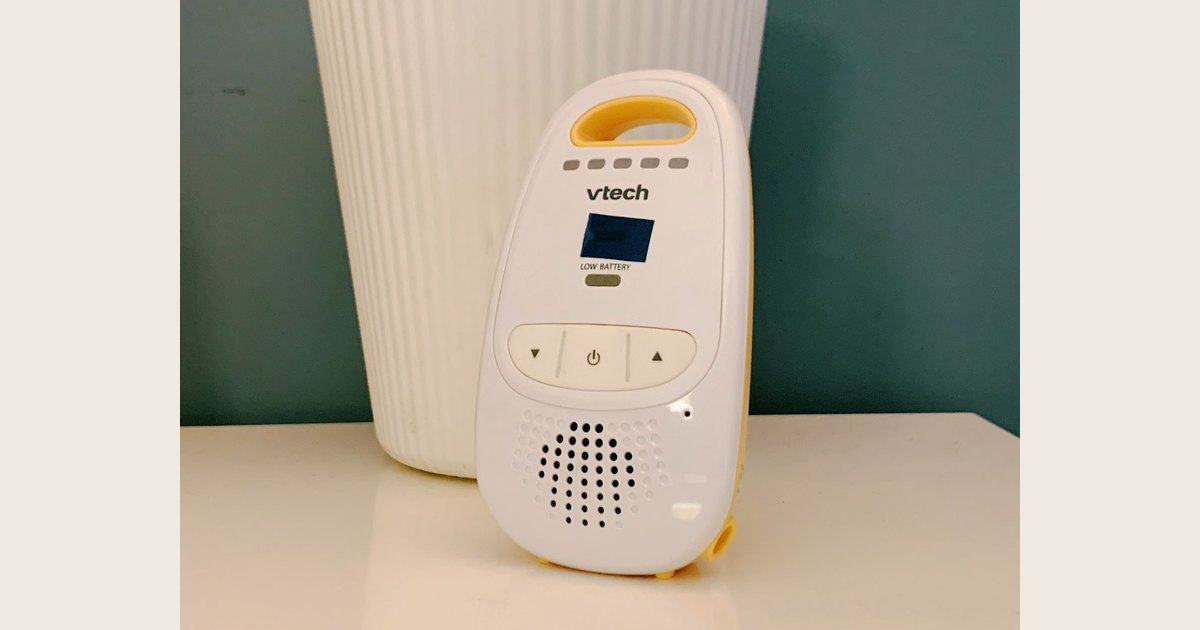
The buttons, display, and speaker grille are visible, but the photo cannot establish what any control or indicator means. Use your exact model’s manual to identify its volume control and status cues, then check sound response and display behavior separately in the steps below. Photo: “Baby Monitor” by bfishadow, via Openverse, CC BY 2.0. Resized and padded. Illustrative stock photo; no product testing is implied.
For a refresher on the connection between camera and parent unit, see our guide to how a baby monitor works. This article focuses on settings for a monitor you already have.
Set screen sleep and receiver volume
Check your exact model’s manual to learn whether screen sleep affects audio or alerts. A dark screen does not answer whether sound is detected by the camera, transmitted to the parent unit, or played through its speaker. If the instructions are unclear, ask the manufacturer rather than assuming another model works the same way.
Set speaker volume from the parent unit using the control described in the manual, then listen from your usual overnight location. If you plan to rely on a visual, vibration, connection-loss, or low-power cue, confirm what it means and how it appears. A visual cue is not a substitute for audio if hearing sound is your intended method.
Test and troubleshoot before bedtime
Use the manual to define the expected response before the first night, after changing settings, or after moving either unit. This checks the monitor’s behavior, not the baby’s health.
- Place and power the equipment as instructed; keep the camera, cords, and test tools outside the infant’s sleep space.
- Set the mode and note what the manual says should happen in a quiet room, during ordinary nearby sound, with the display asleep, and if connection or power warnings occur.
- From where you expect to sleep, have another adult speak softly and then normally near the sleep space. Observe the response described in the manual. Do not put people or test equipment in the crib or bassinet.
- Check audio and display separately, including volume from your usual location. Restore the intended overnight mode and confirm the selected camera and connection status.
If a test sound is missed, check mute, speaker volume, selected camera, mode, and the model’s troubleshooting advice. Change a sensitivity setting only as its instructions allow, one step at a time, then repeat the same test. If ordinary room noise causes repeated triggers, use the manual’s adjustment guidance; if you cannot verify a response you need, ask the manufacturer or choose another documented mode.
Recheck after changes
A door, fan, furniture move, or camera adjustment may change what reaches the microphone or how clearly you see the display. Repeat the same manual-based test after changing the room. If using an app, follow its instructions for your exact phone and test what happens if the connection is interrupted; do not assume notifications behave like a dedicated parent unit. See our guide to baby monitor placement and safety for physical setup and cable placement.
Keep monitor settings separate from safe sleep
A monitor can help you listen or look in from another room, but it does not make the sleep space safer or replace being near your baby. The National Institute of Child Health and Human Development’s Safe Sleep Environment for Baby recommends a firm, flat, level sleep surface covered only with a fitted sheet, and a separate infant sleep space; it notes room sharing makes feeding, comforting, and monitoring easier. The American Academy of Pediatrics recommends room sharing on a separate sleep surface for at least the first six months. A monitor does not replace that recommendation.
The American Academy of Pediatrics’ safe-sleep policy explainer says home cardiorespiratory monitors should not be used to reduce SIDS risk and that there is no evidence consumer wellness devices such as heart-rate or pulse-oximetry monitors lower that risk. These devices are not a substitute for safe-sleep guidance. An ordinary audio or video monitor is not medical monitoring; ask your child’s clinician about monitoring prescribed for your baby.
Keep monitor cords and equipment outside the infant’s sleep area and follow the manufacturer’s placement instructions. If a device or setting is not working as described, contact the manufacturer; a silent receiver, dark screen, or missing alert does not prove a baby is safe.
Common questions
Will I still hear audio when the screen is off?
The label alone cannot answer that. The manual for your exact model should state whether audio remains active when the display sleeps. If it is unclear, ask the manufacturer and test the stated behavior with another adult before using the mode overnight. Sound detected by the camera, sent to the parent unit, and played through its speaker are distinct steps.
Should I use a baby monitor all night?
That depends on your household, the monitor, and your preference. If you use one, choose a mode you have tested from where you expect to be and keep safe-sleep practices in place independently. If your clinician prescribed medical monitoring, follow their instructions rather than consumer monitor settings.
Can a baby monitor prevent SIDS?
No. The AAP says home cardiorespiratory monitors and consumer wellness devices should not be used to reduce SIDS risk. Use a monitor for listening or viewing if helpful, but follow safe-sleep guidance and ask your pediatrician about medical concerns.
What if sound activation wakes me for every small noise—or misses quiet sounds?
Check the manual’s explanation of sensitivity and any linked sound-activation setting. Adjust a small step at a time if the instructions allow it, then repeat the same test from the installed camera position. If you cannot verify the response you need, choose another documented mode or ask the manufacturer.
For overnight use, choose controls you understand, test their documented behavior from your usual location, and keep safe-sleep practices independent of monitor settings.