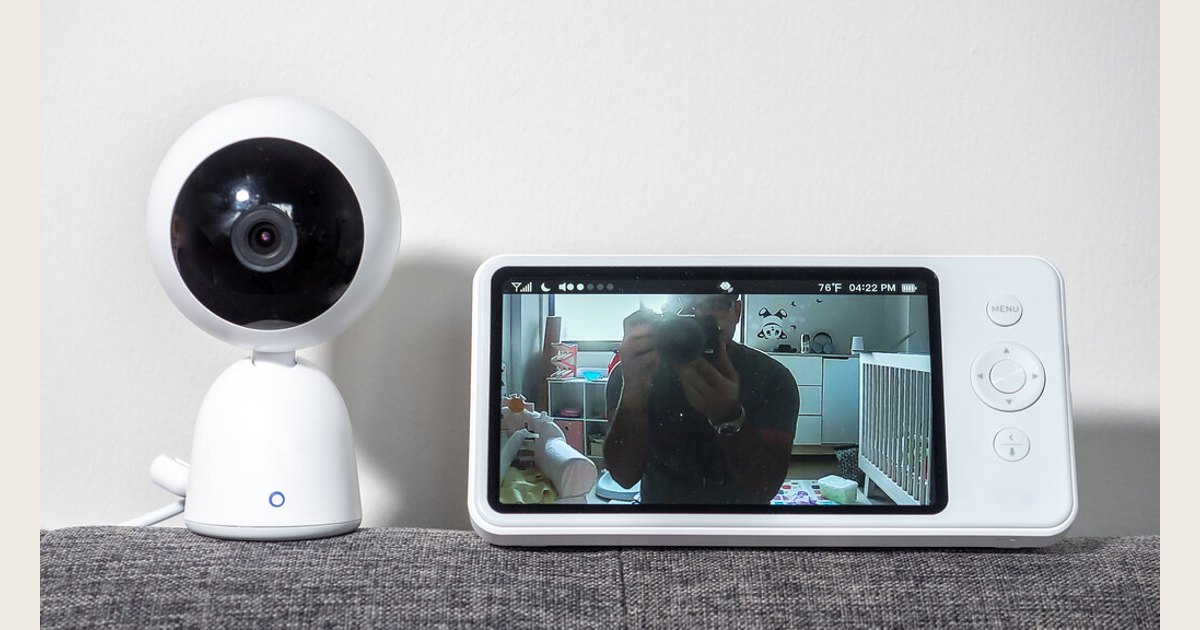
A traditional video baby monitor is useful for some households, but it is not the only way to keep tabs on a sleeping baby. Depending on where your baby sleeps, your budget, and the kind of reassurance you actually want, a separate bassinet in your room, a simple audio setup, planned in-person checks, a household security camera, or an old phone may be a better fit.
The important distinction is between convenience monitoring and safe sleep. A screen or an app can help you notice waking or crying; it does not make an unsafe sleep space safe. The American Academy of Pediatrics (AAP) says consumer wellness and home cardiorespiratory monitors have not been shown to reduce the risk of SIDS, and they should not replace safe-sleep practices. Its parent guidance explains the limits and the basics of a safe sleep environment.
Featured image credit: Photo: Baby Monitor by ajay_suresh, https://www.flickr.com/photos/83136374@N05/51817515261; https://creativecommons.org/licenses/by/2.0/. Resized and padded. Illustrative stock photo; no product testing is implied.
Key takeaways
- For a young infant, room-sharing with a separate, infant-rated sleep space can be the most practical monitor alternative.
- A basic audio monitor is a lower-tech choice if video is more information than you need.
- A security camera or spare phone can work as a convenience tool, but test it thoroughly and do not treat it as a safety device.
- Regardless of setup, place baby on their back for every sleep, on a firm, flat, level surface with only a fitted sheet, and keep the sleep space clear. The AAP and NICHD’s Safe to Sleep campaign outline those basics. The AAP’s guidance also explains back sleeping.
Compare the main baby monitor alternatives
| Approach | Works best when | What you give up | Before you rely on it |
|---|---|---|---|
| Room-sharing with a crib or bassinet | Baby is in your room and you want the fewest devices | Viewing from another room | Make sure the sleep space is made for infants and separate from your bed |
| No-device check-ins | You are nearby, can hear ordinary waking, and prefer less technology | Continuous sound or video | Decide who checks, when, and what will wake you |
| Audio-only monitor | You need to hear baby in another part of the home | Video and app features | Test volume, range, and alerts in real household conditions |
| Existing security camera | You already have a suitable camera and want visual convenience | Baby-specific controls and a dedicated parent unit | Check the view, notifications, power, and account settings |
| Spare phone setup | You need a temporary, occasional solution | Reliability and simplicity | Test calls, battery, Wi-Fi, and what happens if either phone locks or updates |
None of these choices needs to be permanent. It is normal to use room-sharing early on, switch to audio when your baby moves to another room, and decide later that a dedicated monitor is worth having.
Start with the sleep setup, not the device
The lowest-cost alternative to a monitor is often simply arranging sleep so you can be nearby. The AAP recommends keeping baby’s sleep area in your room, close to your bed but not in it, for at least the first six months. That can make feeding, comforting, and ordinary check-ins easier without putting a camera on the nursery wall. Read the AAP’s room-sharing guidance here.
Room-sharing does not mean bed-sharing. A crib, bassinet, portable crib, or play yard intended for infant sleep should give baby a separate space. Place baby on their back for every sleep, on a firm, flat, level surface with a fitted sheet only. Pillows, loose blankets, stuffed toys, positioners, and other items do not become okay because a parent can see them on a screen. The AAP recommends back sleeping for every nap and at night, and Safe to Sleep explains the clear, firm sleep-area standard.
This option is especially sensible when a video feed would mostly show the same view you can see by turning your head. It can also reduce the number of batteries, chargers, apps, and overnight notifications to manage. Its limitation is obvious: it does not help much once baby sleeps in a separate room or when you need to spend time elsewhere in a larger home.
Choose no-device check-ins when your layout supports them
A monitor-free plan can be enough for some families, particularly in a small apartment, a one-level home, or a home where the nursery is close to where adults spend the evening. Leave the door open if that suits your household, listen for normal waking, and check in person when you hear your baby or when it is time for a feed.
Make this approach specific rather than vague. Agree on the handoff if more than one adult is home: who is on duty, whether you will close bedroom doors, and which sounds or times call for a check. Listening for ordinary waking does not reveal every sleep-related hazard: NIH notes that SIDS is not associated with sounds or movements, so there is usually nothing to hear or sense. At night, set any alarm you need for feeding or medication instructions from your child’s clinician rather than assuming you will wake for every sound. Read the Safe to Sleep explanation.
No-device monitoring is not the right choice if you cannot hear the nursery, must spend time outdoors or on another floor, or know that not being able to check visually will keep you from resting. A simpler setup is only an improvement if it matches your home and lowers, rather than adds to, stress.
Consider audio-only if video is the feature you do not need
An audio-only baby monitor is still a baby monitor, but it is a meaningful alternative to a typical camera-and-app package. It is a good middle ground for caregivers who want to hear cries, chatter, or a call from an older baby but do not need a constant picture.
Before depending on one, use it during a daytime nap while you move through the areas where you normally cook, work, shower, or relax. Turn on the appliances you use regularly and check whether the parent unit is audible without being painfully loud. Learn the low-battery and out-of-range signals rather than discovering them at bedtime.
For many families, audio has a second benefit: it gives less temptation to repeatedly inspect a silent video feed. That is a preference, not a medical advantage. If video helps you decide whether to go in or lets another caregiver participate in bedtime, it may still be the better tool.
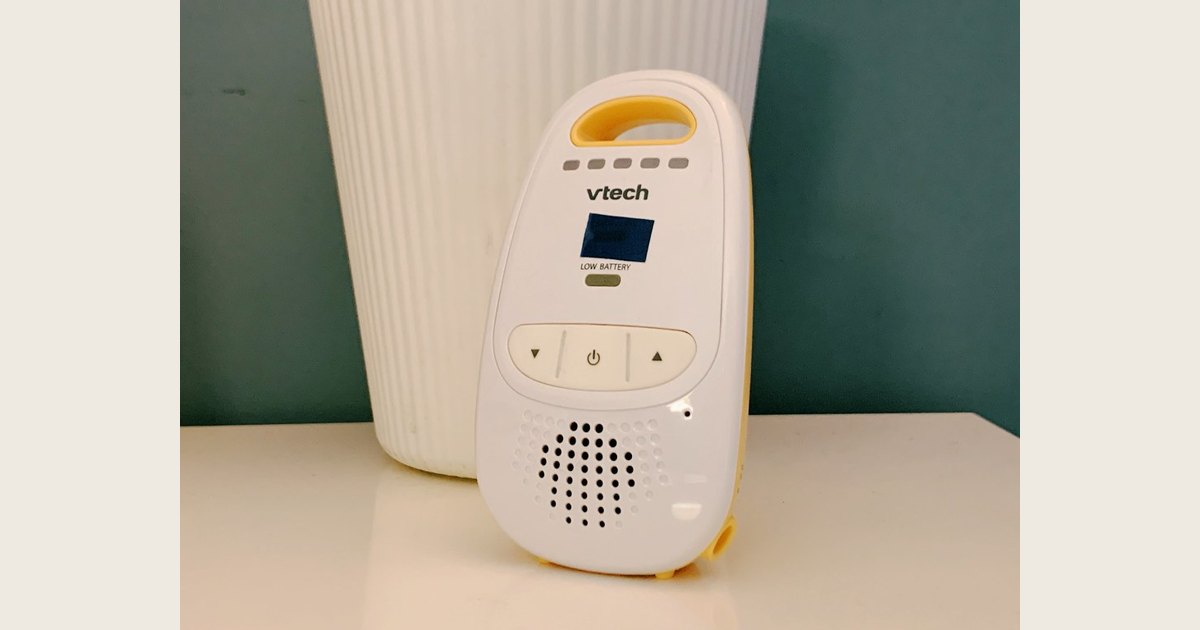
The pictured VTech unit’s small status display is not a live-video feed; the photo shows the kind of handheld receiver used with a baby monitor, not a view of the nursery. Photo: Baby Monitor by bfishadow, https://www.flickr.com/photos/61368956@N00/50697407666; https://creativecommons.org/licenses/by/2.0/. Resized and padded. Illustrative stock photo; no product testing or endorsement is implied.
Repurpose a security camera carefully
If you already have a home security camera, it may be a reasonable visual alternative to buying another camera. It can be appealing for a temporary nursery, occasional daytime naps, or a household that already knows its app and accounts. It is not automatically a baby-monitor replacement, though.
Start with the practical test: Can you see the whole sleep space clearly enough to be useful? Does the camera send a notification you will notice? What happens during a Wi-Fi interruption, a power outage, or a phone update? Is someone else in the home also able to access the feed if that matters? If any answer is unclear, treat the camera as an optional view—not the sole way you know baby needs you.
Set up the camera and its power accessories so they do not intrude on the infant sleep space, and follow its manufacturer instructions. Review account passwords, sharing permissions, and app updates before using an internet-connected camera in a nursery. Our guide to baby monitor versus security camera can help you weigh the feature differences, while our baby monitor safety checklist covers placement and camera-security considerations.
Use a spare phone only as a temporary tool
A spare phone and a calling or camera app can be convenient when traveling, staying with family, or trying a baby’s new room before buying anything. Keep the phone plugged in only if its cable and charging setup can remain well outside the sleep space, and test the exact app on both devices before nap time.
This is usually the least dependable long-term option. Phones can receive calls, run out of battery, lose Wi-Fi, silence notifications, lock themselves, or install an update at the wrong moment. A one-phone setup is also not a real monitor if you need that phone for work, directions, or emergency calls. If you keep reaching for workarounds, a basic audio monitor may be the calmer and more reliable purchase.
Avoid turning a phone, camera, wearable, or movement alert into a promise that you can detect every problem. The AAP says there is no evidence that consumer wellness devices decrease SIDS risk, and cautions against letting them create a false sense of security. Its safe-sleep guidance is a useful reset when shopping claims become confusing. If a wearable is the option you are considering, see our guide to wearable baby monitors for a closer look at that category.
Pick the option that solves your actual problem
Use these questions to narrow the field:
- Where does baby sleep now? If the answer is your room in a separate infant sleep space, start with room-sharing before adding equipment.
- What information do you need? Hearing a cry, seeing whether baby is awake, and getting a medical alert are different needs. Do not buy a camera to solve a clinician-directed medical concern; ask the clinician what monitoring, if any, is appropriate.
- When are you farthest away? A nearby kitchen may call for no device or audio; a detached workspace or another floor may make a tested audio or visual setup more practical.
- What will still work when you are tired? Favor a setup with obvious controls, reliable charging, and a backup plan if it disconnects.
- Does the setup preserve safe sleep? If a device, cable, accessory, or workaround complicates the sleep area, simplify it.
The best alternative to a traditional baby monitor is the one that lets you respond reasonably when your baby needs you without asking technology to do a job it cannot do. Build from a safe, separate sleep space first; then choose the least complicated way to get the reassurance your home and routine actually require.