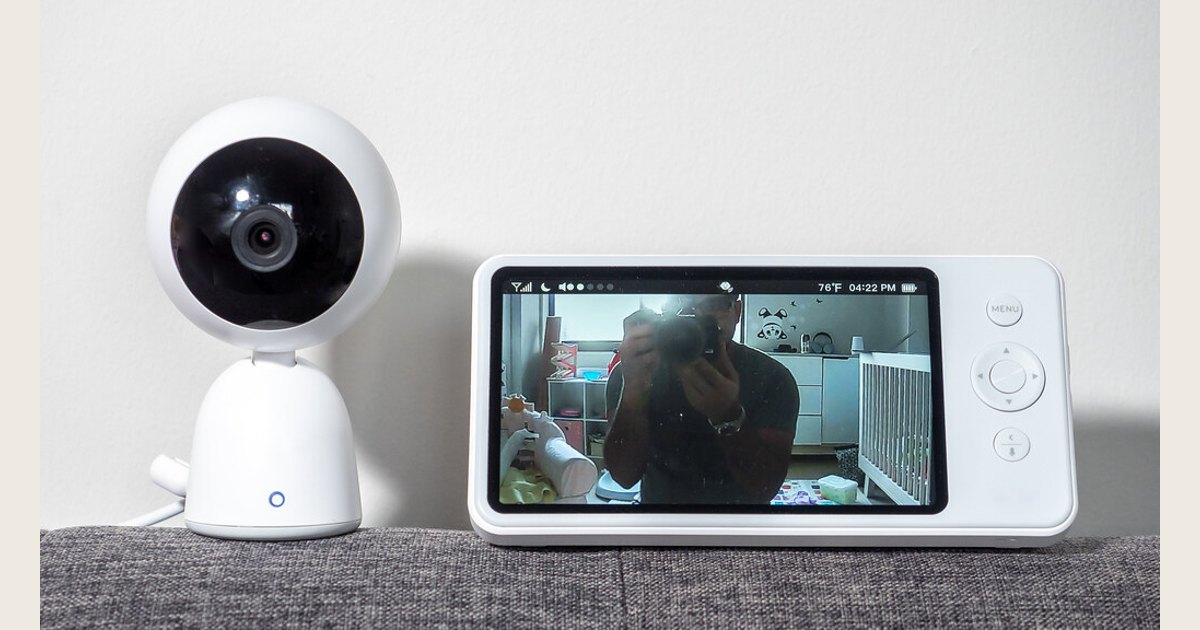
Whether a baby monitor system remains useful during a power or internet outage depends on its model, feature, and which components remain powered and connected. A battery in one device does not establish a backup for the whole system. Check your exact model’s instructions and plan how to check your baby directly if monitoring stops.
Key Takeaways
- A battery-powered screen does not necessarily keep the camera or network equipment running.
- Identify whether your system depends on a camera, parent unit, router, modem, app, or cloud service—and which ones need power.
- Use only backup batteries, adapters, or power equipment confirmed compatible by the manufacturer.
- Plan a direct-care fallback; a monitor does not change safe-sleep recommendations.
Jump to: outage behavior · map your components · test your plan · offline response.
Cover photo: “Baby Monitor” by ajay_suresh on Flickr, used under CC BY 2.0. Resized and padded. Illustrative stock photo; no product testing is implied.
What may keep working during an outage?
Power and internet are separate failure points. The table is a checklist, not a universal prediction.
| Setup or outage | What may be affected | What to verify for your model |
|---|---|---|
| Camera and handheld parent unit; power outage | The camera or receiver may lose power, depending on each unit’s supply. A charged screen alone does not prove the camera is operating. | Which units have batteries, whether the maker approves backup power, and how the monitor indicates loss of connection. |
| Wi-Fi-enabled camera; internet service outage | App or remote features may be affected. Do not assume local monitoring, alerts, or recordings will work; confirm how this specific product behaves. | Whether a local camera-to-monitor link exists and what the manufacturer says remains available without internet service. |
| Wi-Fi-enabled system; home power outage | Powered equipment may stop. A phone with charge does not by itself keep a camera or home network equipment running. | Which components need power for the view or alert you intend to use, and approved options for each. |
| System with both a handheld monitor and an app | Different viewing paths may rely on different connections and equipment. | What each viewing path needs, which warnings indicate lost signal, and what the manual says about offline operation. |
A documented example: Eufy Baby Monitor E21
Eufy’s product page says its E21 camera can run plugged in or on a built-in 5,000 mAh battery. The maker estimates about nine hours on battery, or about 5.5 hours with night vision. Those are manufacturer’s camera estimates, not independent runtime tests or a stated runtime for the entire system. Its page describes the camera-to-monitor direct link, Wi-Fi switch for router-based app livestreaming, and Smart Connect’s router-assisted link when the direct signal weakens. The page does not specify the model’s precise signal-loss warning behavior, so check the manual before relying on an alert. This documented example shows why a battery estimate for one component cannot establish that every viewing path or feature remains available in an outage. Eufy Baby Monitor E21 product documentation.
For a plain-language explanation of camera links and network connections, see our guide to how baby monitors work. This table is a planning aid, not a claim about every model; verify details in its instructions or with the manufacturer.
Map every device in your baby monitor system
List the devices between the camera and caregiver: camera, handheld receiver, charging base, router, modem or fiber terminal, phone, and any hub. Cross off anything you do not use and add extra cameras or receivers.
For each, note its power source, connection type, the manual’s signal-loss warning, and any manufacturer-approved backup. A wall adapter, rechargeable battery, and USB supply are not interchangeable just because connectors fit.
Check the manual to learn how the system indicates low battery or lost connection, and whether its app alerts depend on network access or phone settings. Do not assume an alert is proof of a live camera view; test the documented warnings only while maintaining direct supervision.
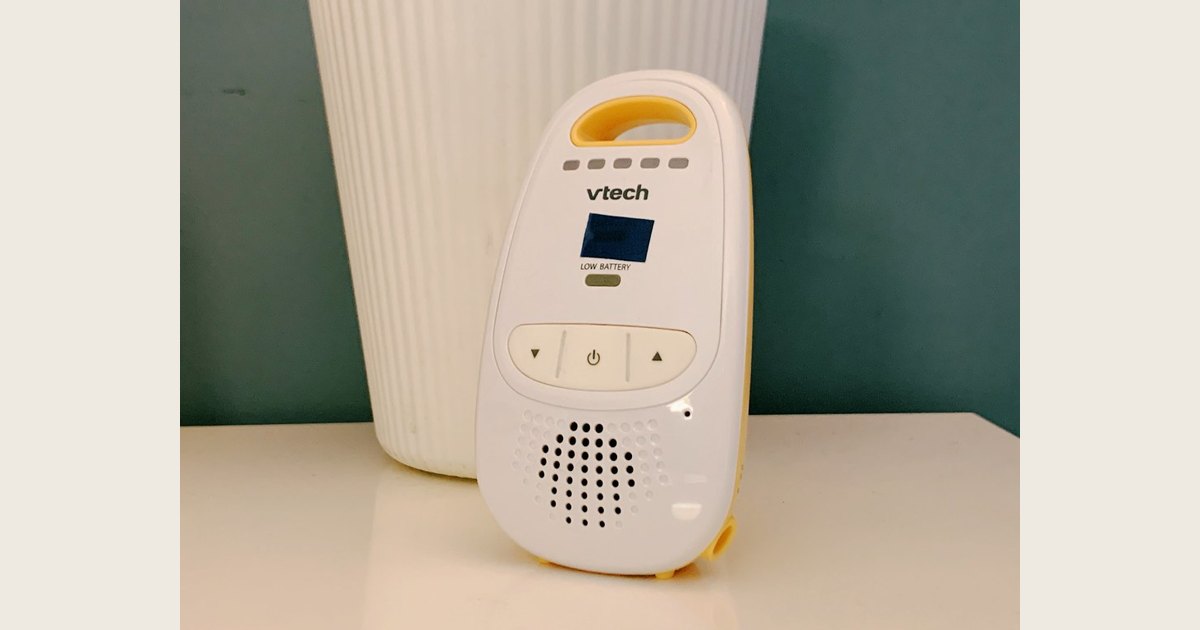
An example of a handheld parent unit—the camera and its power needs are separate questions. Photo: “Baby Monitor” by bfishadow, Flickr source, CC BY 2.0. Resized and padded. Illustrative stock photo; no product testing is implied.
Choose a backup that matches the weak link
Choose a backup based on the viewing path you need, not just a label such as “Wi-Fi” or “dedicated.” Trace the components your own manual says are required for the view or alert you plan to use, then identify which need power. Backing up one device does not establish that every feature will remain available.
For the documented E21 example above, make separate entries for the direct camera-to-monitor view and the router-based app path. Eufy’s page specifies camera battery operation but not runtime for the complete setup or detailed behavior for every outage combination. Use your own manual to record required components, approved power options, and signal-loss warnings; contact the manufacturer if a detail is missing. This is a documentation-based worksheet example, not a test or product recommendation. Eufy Baby Monitor E21 product documentation.
- Charge the parent unit as directed and learn its low-battery and lost-signal warnings. Its battery does not necessarily power the camera.
- Use only approved batteries or external supplies. Check exact battery type, output, and charging instructions. Do not modify cables or assume a connector that fits is electrically suitable.
- Back up network equipment only if required. Check what your model needs and use compatible equipment and connections.
- Keep a non-electronic fallback. Decide how a caregiver will check and respond if the system is offline or the battery runs out.
Ready.gov’s outage guidance advises households to plan for batteries and alternative power, such as portable chargers. This general advice does not confirm that a given power bank suits a specific monitor. Follow both manufacturers’ instructions and avoid assuming a runtime not documented for your setup.
Test the plan before you need it
A daytime test can reveal a missing cable or a backup that powers the wrong device. Maintain direct supervision; do not create an unmonitored sleep period to test the system.
- Read the manual. Find power requirements, supported batteries, charging guidance, and offline or lost-signal alerts. Ask the manufacturer if unclear; don’t experiment with adapters.
- Trace the power chain. Identify the outlet or approved backup for each component. For an app-based system, include network equipment and any hub.
- Practice the fallback. With another caregiver maintaining supervision, try the approved backup or direct checks. Show other caregivers the signal-loss warning.
- Check alerts. Find out whether notifications need internet, app permissions, sound, or a charged phone. Don’t make a push notification the sole indication that the camera is online.
- Write down the plan. Note the manual’s location, approved backup, warning signs, and what to do if power does not return.
Ready.gov advises planning for power-dependent needs and keeping flashlights available. Its generator and outage guidance says generators should be outdoors at least 20 feet from windows, doors, and attached garages, with working carbon monoxide detectors on every level. Never run one indoors or use it as an improvised monitor power source.
If the monitor goes offline
If power or connectivity fails, switch to your fallback rather than assuming the system still works. Check the baby directly and maintain caregiver supervision. Use a handheld unit only when its camera link is confirmed. During a long outage, consider household needs such as safe lighting and temperature too.
When power or service returns, follow the manufacturer’s recovery instructions. Confirm the camera has power and that the view or sound you depend on is live. If an app feature is unavailable, check the manual for the network equipment and connections it requires.
Keep safe sleep separate from monitor availability
An outage may change how you check on your baby, but a monitor is not a substitute for a safe sleep space. NIH’s Safe to Sleep® guidance recommends a firm, flat, level surface with only a fitted sheet. Room sharing means the baby sleeps in the caregiver’s room in a separate infant sleep space, not an adult bed.
If you relocate, keep the baby’s sleep surface separate from monitor cords, plugs, and backup equipment. See our baby monitor safety guide for placement and cord precautions. A monitor is a household tool, not a replacement for caregiver attention or safe-sleep practices.
Quick questions
Will a baby monitor work if Wi-Fi or internet service is down?
A home Wi-Fi failure and an internet-service outage are different. If Wi-Fi is unavailable, router-dependent viewing may stop, while a model’s documented direct camera-to-monitor link may still work. If the internet is down but the router and home Wi-Fi remain available, local viewing may still work, while app or remote access may be affected. The exact paths vary by model: Eufy’s E21 documentation, for example, describes direct camera-to-monitor viewing, router-based app streaming, and a router-assisted connection. Check your manual for each path and its signal-loss warning; do not assume any feature remains available. Eufy E21 product documentation. If you test, maintain direct supervision.
Will a baby monitor work if the power goes out?
Only if every component needed for the view or sound you use has power. A battery-powered receiver may stay on while a wall-powered camera, router, or modem stops. Identify the devices in your setup and use only manufacturer-approved backup power.
Can I use a power bank with a baby monitor?
Only when the monitor or network-device manufacturer confirms that the specific power source and connection are compatible. A matching connector alone does not confirm the correct electrical output. Never modify a cable or improvise a battery connection.
What should I do if the monitor loses its signal overnight?
Follow the fallback you planned: check the baby directly and maintain your usual supervision rather than assuming the warning is a false alarm. After the immediate check, use the device’s instructions to identify whether the cause is power, signal, or internet service. Our guide to overnight baby-monitor settings covers routine controls; model-specific warning meanings still belong to the manual.
Make the plan before the next outage
Keep a short outage plan with the manual: required components, approved backup power, the documented signal-loss cue, and how a caregiver will check directly if monitoring stops. Revisit it when you change equipment. For choosing among monitor types, see our video baby monitor buying guide.